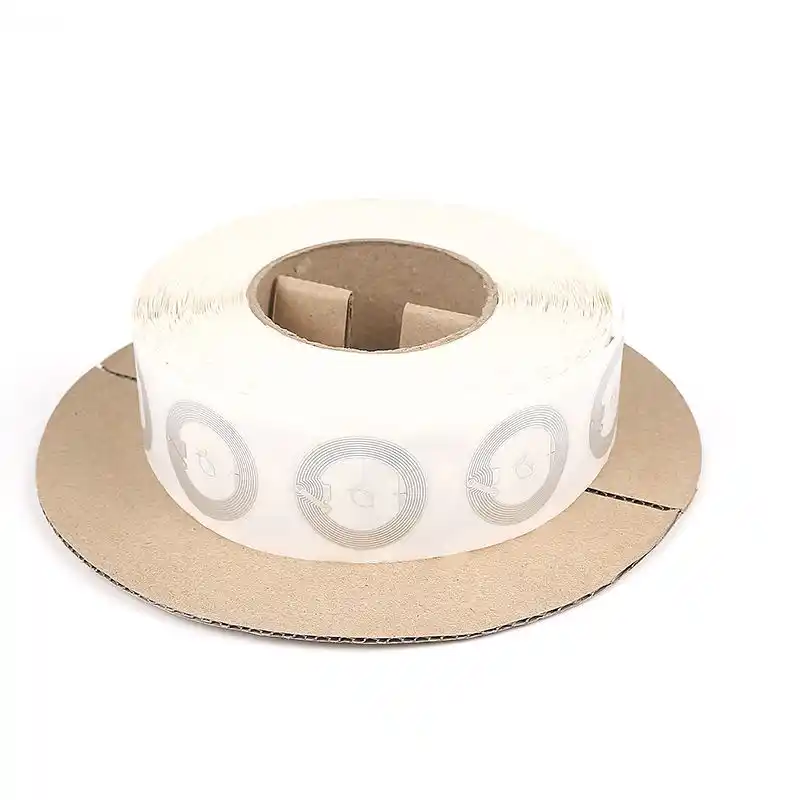
Trade shows are loud, crowded, and kinda chaotic. Your booth has maybe 3 seconds to earn a stop. If your “next step” asks people to type a URL, hunt for a QR scanner, or fill a long form, you’ll lose them. Not because your product is bad. Because the hallway is brutal.
That’s why NFC tags work so well on the show floor. A quick tap can start a conversation, hand out the right file, and capture a lead while you’re still talking. It feels natural. It doesn’t feel like homework.
Below is a practical, boots-on-the-ground playbook you can actually run next expo.
Core arguments and evidence
Core argument (what you can confidently say)
What it looks like in a booth
What it improves
Source (no external links)
Tap reduces friction
“Tap here” on demo table / stand
More interactions, less drop-off
NFC UX patterns used in event marketing; smartphone NFC reads NDEF URL quickly
Content-first beats brochure-first
Tap → short landing page → assets
Higher engagement, better recall
Trade show content workflows; digital asset delivery best practice
Short qualifiers make leads usable
3–5 fields + 1–2 qualifier questions
Better follow-up, less junk
Lead capture workflow best practice (offline + qualifiers + CRM-ready fields)
Hardware matters on metal
Use on-metal / anti-metal tags on frames
Fewer failed taps, steadier reads
RF behavior on metal; on-metal tag design principles
If you do only one thing, do this: build a tap landing page that matches the exact spot people are standing in.
Put different NFC tags in different booth zones. Each tag opens a page that answers one clear question:
At the demo table: “Show me the 30-second demo”
On the big product panel: “Give me the spec sheet”
By the giveaway bowl: “Enter the draw”
In the meeting corner: “Book a time”
You’re not building a website. You’re building micro-actions.
Small tip that saves you pain: keep the first screen light. One headline. One button. Two bullets. That’s it. If it loads slow, you’re cooked.
NFC + QR code fallback
Some visitors have NFC turned off. Some don’t trust tapping random stuff. That’s normal.
So add a small QR code as a backup, pointing to the same landing page. You’re not picking a side. You’re just making sure nobody gets stuck.
On-metal NFC tags for booth hardware
This is the classic fail: someone sticks a regular NFC label on a metal booth frame, and taps start acting weird. Reads get spotty. People try three times and walk away.
If the tag goes on:
metal truss
tablet mount
display rack
machine body
metal sample case
…use on-metal / anti-metal NFC tags. That’s literally what they’re for. If you’re sourcing at scale, ask for the right structure (ferrite layer, proper inlay design) so the tap works like it should.
Content Download
Digital brochures and spec sheets
Paper brochures die fast at trade shows. They get folded, tossed, or lost in hotel rooms. A tap-to-download flow is cleaner for visitors and better for you.
Here’s a content menu that works in real life:
1-page overview (for quick skim)
Spec sheet (engineer bait, love it)
Case study (buyer proof)
Short demo video (no sound needed)
“Request samples” button (only if you can fulfill)
Don’t gate everything. Gate one “high intent” asset if you must. If you ask for email too early, people bounce. They’re not being rude. They’re just busy.
NDEF URL and smartphone NFC reading
Most trade show NFC setups store a URL in a standard NFC data format (NDEF). Phones read the tag, then open the page. That’s why it feels instant when the setup is clean.
Keep your destination pages mobile-first. Nobody is reading a 15MB PDF on a shaky venue Wi-Fi, ok?
Lead Capture
Lead capture form and qualifiers
You don’t need a huge form. You need a form that sales can actually use.
Then add one optional field: “What are you trying to fix?” That single question gives your SDR gold.
Keep it short. If your form looks long, people don’t start. It’s that simple.
Lead routing for MQL and SQL
Trade show leads aren’t equal. You want to split them fast:
Hot / SQL-ish: book meeting now, fast follow-up, push to AE
Warm / MQL-ish: send the right deck, sample workflow, nurture
Cold: let them self-serve content, light touch follow-up
This isn’t “over-automation.” It’s just basic pipeline hygiene. It keeps your team from chasing ghosts.
UTM tracking and tap analytics
If every NFC tag points to the same page, you’ll never know what worked.
Instead, use:
one link per booth zone
clear UTM parameters per show, zone, and campaign
optional rep ID, if you want accountability
Now you can answer real questions after the show:
Which station pulled the most serious buyers?
Which content got opened, not just collected?
Which day/time spike happened, and why?
That’s how you turn “we were busy” into a repeatable play.
CXJ Smartcard product categories
You don’t need 20 different items on-site. You need the right form factor for each touchpoint. That’s where our catalog mix helps, because you can match the tag style to the booth job.
NFC Tags
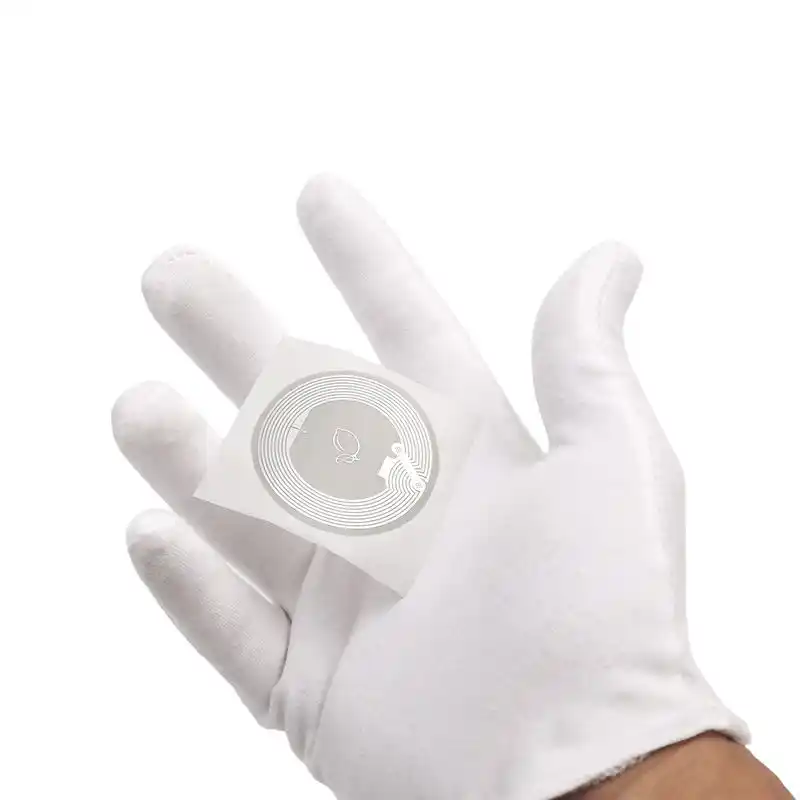
Use these for tap points on posters, stands, demo tables, and sample packs. Start here: NFC Tags
RFID Cards
Perfect for staff “tap-to-share” cards, VIP handoffs, or press kits. Also great when you want premium feel. See: RFID Cards
RFID Keyfobs
Good for take-home swag that stays useful after the expo. People actually keep keyfobs. Check: RFID Keyfobs
RFID/NFC Bracelets
If you run events, private demos, VIP zones, or workshops, wristbands make access smooth. See: RFID/NFC Bracelets
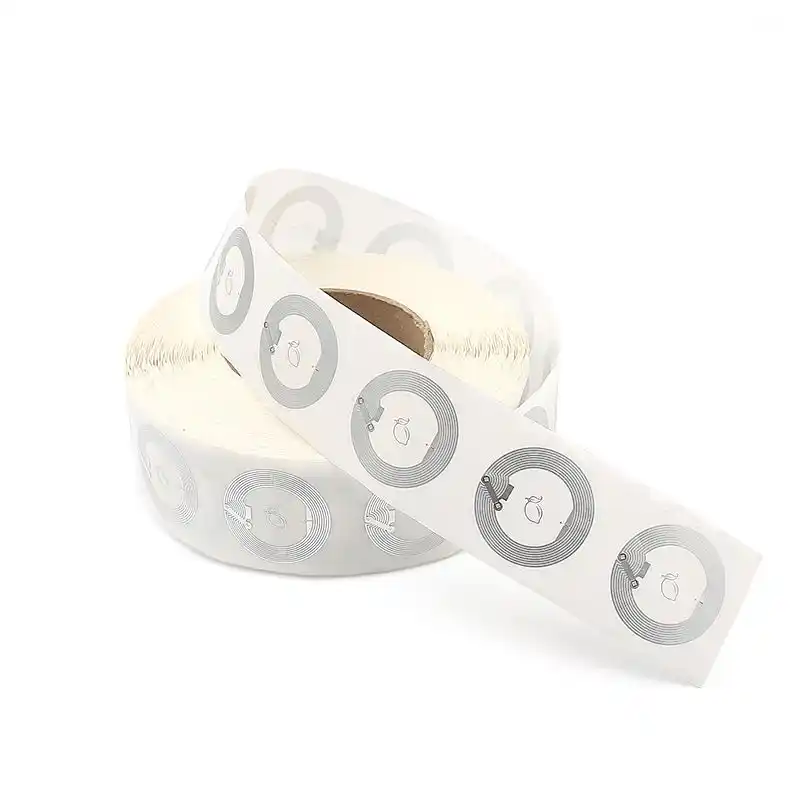
RFID Sticker Labels
Great for peel-and-stick tagging, including tougher industrial needs (and yes, label form factors are booth-friendly too). See: RFID Sticker Labels
RFID Inlay
If you’re printing in-house or running roll workflows, inlays are the “building block” option. See: RFID Inlay
OEM/ODM Services
If you need custom shape, special material, specific chip, encoding rules, or branded packaging, go straight here: OEM/ODM Services
OEM/ODM RFID manufacturing and encoding
Trade show pilots are easy. Scaling is where things break.
You’ll hit issues like:
tags that read fine in the office, then fail on metal at the booth
inconsistent encoding (wrong URL, wrong redirect, bad formatting)
print that scratches during shipping
adhesive that peels off after a day
If you’re buying for a real rollout, you want an OEM/ODM partner that can control the whole stack: antenna + chip + converting + printing + encoding + inspection.
At CXJ Smartcard, we build factory-direct RFID/NFC cards, tags, wristbands, labels, and inlays. We support OEM/ODM from prototype to mass production. You can start with samples, run a pilot fast, then scale without changing suppliers mid-stream. It makes life easier, trust me.