You can feel it coming. The gates open in five minutes, the line bends around the block, and your radio starts popping: “Gate C is choking.” In that moment, you don’t need more opinions. You need signals.
That’s what RFID wristbands give you. Not magic. Not GPS. Just clean, time-stamped checkpoints—who tapped, where, and when. When you set up the right scan points (ingress, VIP doors, bars, sessions, merch), you can pull real KPIs and turn them into decisions people actually notice.
Below are the KPI buckets most organizers track, plus the data behind them and how teams use the numbers in real ops.
Entry/Exit & Arrival Curve
RFID is brutal in a good way. It shows you what really happened at the gates.
What you can track
First entry tap time (arrival curve by minute)
Re-entry behavior (multi-day or in-and-out traffic)
Exit taps (if you place readers on egress)
How this helps in the real world
You staff for the peak minute, not the average hour.
You spot “slow gates” fast and fix them with extra lanes or better wayfinding.
You reduce angry check-in vibes, which helps retention and merch spend.
Ops scenario A festival notices Gate A peaks 25 minutes earlier than Gate B. Next day, they redeploy scanners and security before the rush. Lines shrink, and complaints drop.
Zone Popularity & Footfall
When someone asks, “Was the sponsor area busy?” you shouldn’t have to shrug.
What you can track
Footfall by zone (unique visitors and total taps)
Peak zone load (crowd density proxies, based on checkpoints)
Repeat visits (who keeps coming back)
How this helps
You build a practical heatmap without cameras everywhere.
You prove sponsor ROI with traffic numbers that don’t rely on vibes.
You find dead zones early, then you move activations or re-route flow.
Ops scenario Your craft beer lane is packed, and the sponsor booth next to it is quiet. Next time, you place the sponsor activation at the queue entry, where people already stand. You also add a “tap-to-enter” giveaway.
Dwell Time & Flow
Quick truth: RFID isn’t GPS. It won’t show continuous movement. It will show checkpoint-to-checkpoint flow, which is what ops teams usually need anyway.
What you can track
Time between taps at key points (Stage → Bar → Merch)
“Stickiness” of areas (rough dwell signals using first/last checkpoint taps)
Bottleneck indicators (delays between queue entry and service)
How this helps
You spot choke points and fix layout problems.
You tune signage, entry placement, and queue design.
You run a smoother crowd plan with less guesswork.
Ops scenario Merch feels slow. RFID data shows people tap into the merch zone, then nothing for 18 minutes before purchase. That screams “queue.” You add another checkout station and a second pickup table.
Session and Booth Engagement
This is the KPI set that makes exhibitors and sponsors stop asking for “more leads” and start talking about better leads.
What you can track
Session check-ins (attendance by topic and time)
Booth visits (unique taps per exhibitor)
Repeat booth visits (a strong intent signal)
How this helps
You validate which sessions deserved bigger rooms.
You sell sponsorship tiers with real engagement numbers.
You help exhibitors compare results across days, not just at the end.
Ops scenario A conference finds one track pulls high check-ins but low repeat engagement. People bail early. Next event, they fix the content and put the strongest speakers earlier.
Cashless Spend & Sales Mix
Cashless is where the data gets spicy, because money trails are clean.
What you can track
Spend per attendee (by day, by hour, by vendor)
Sales mix (top SKUs, category split, slow movers)
Rush windows (what sells right before the headliner)
How this helps
You plan inventory like a retailer, not like a gambler.
You reduce bar and food friction, which often increases completed purchases.
You negotiate vendor terms with real throughput and demand patterns.
Ops scenario Cocktails spike right after the headliner starts. Classic. Next time, you push preload/top-up reminders earlier, and you open one more bar line 20 minutes before showtime.
Throughput & Wait Time Proxy
You don’t need perfect wait-time tracking to fix operations. You need a consistent proxy.
What you can track
Gate scans per minute (ingress throughput)
POS transactions per minute (service rate)
Queue entry tap → purchase tap (if you design it)
How this helps
You build an ops dashboard your team can act on in real time.
You spot when a bar is falling behind before the crowd starts yelling.
You set simple internal SLAs (“keep gate throughput above X per minute”).
Ops scenario You place a reader at “line starts” for two bars. When the tap-to-pay gap grows, you shift staff and reopen a closed register. You stop the queue from turning into a problem.
Security, Anti-Fraud & Access Control
RFID wristbands aren’t just about convenience. They’re also about control.
Suspicious patterns (rapid repeat attempts, zone hopping)
Passback-like behavior (one credential trying to act like many)
How this helps
You lock zones without turning entry into a manual mess.
You reduce credential abuse and tighten safety.
You keep staff doors and VIP areas from becoming “soft targets.”
Ops scenario A GA wristband keeps pinging the VIP door every few minutes. Security doesn’t have to guess. They get a clear signal and handle it fast.
KPI cheat sheet for your ops deck
KPI (what you report)
What RFID captures
What you do with it
Common owner
Typical source type
Entry/Exit & arrival curve
Gate/egress taps
Staffing, lane planning, opening timing
Ops lead
RFID analytics guidance (Checkpoint-style)
Zone popularity & footfall
Zone taps
Heatmaps, sponsor ROI, layout changes
Experience + Sponsorship
RFID footfall analytics (Tappit-style)
Dwell time & flow
Checkpoint-to-checkpoint timing
Bottleneck fixes, signage, queue design
Ops + Venue
“RFID isn’t GPS” explainers
Session/booth engagement
Session/booth check-ins
Content planning, exhibitor reporting
Conference team
Expo RFID reporting (Beamian-style)
Cashless spend & sales mix
POS taps + SKU data
Inventory, vendor optimization
F&B + Finance
Cashless case studies (Glownet/Tappit-style)
Throughput proxy
Scans per minute
Real-time ops response
Control room
Throughput reporting guides
Access control events
Allowed/denied logs
VIP zoning, fraud reduction
Security
Access-control writeups (Promotix-style)
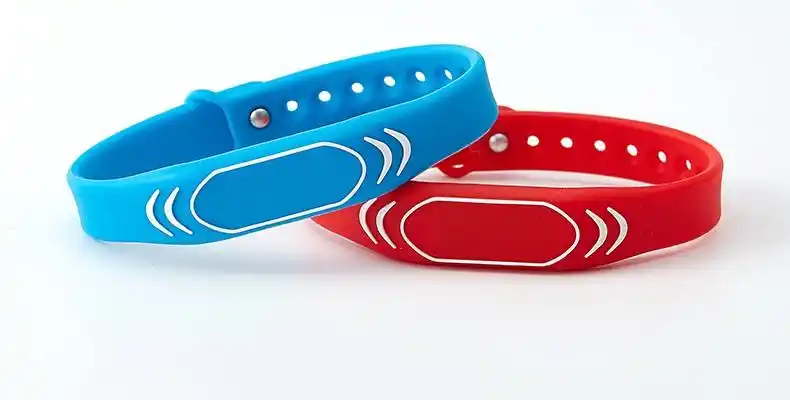
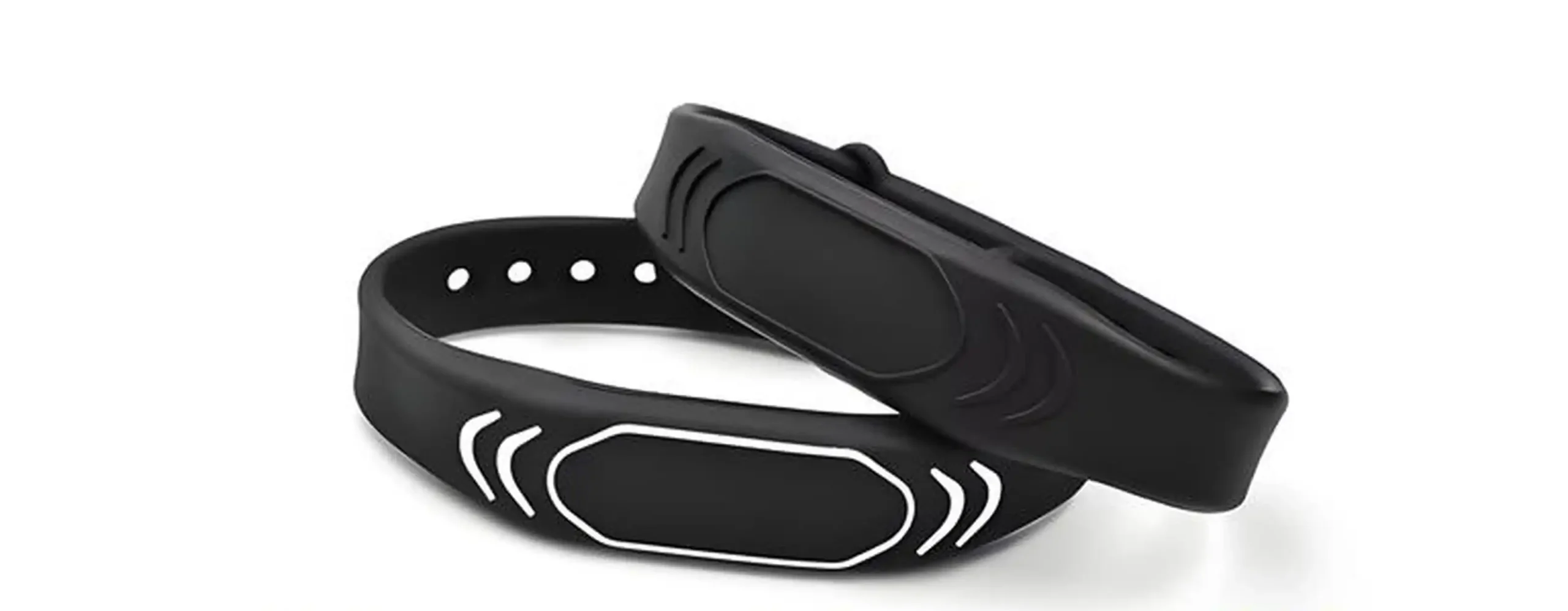
RFID wristband product categories (what you actually need to deploy this)
Data is only as good as the wristband, the chip, and the encoding plan. That’s where CXJ Smart Card fits in, because we build the pieces end-to-end: material, antenna, chip choice, printing, and data personalization.
Here’s how our product catalog maps to event needs:
If you’re piloting, you usually want fast samples, flexible MOQ, and reliable encoding checks. If you’re scaling, you want stable QC and consistent chip sourcing. That’s why factory-direct OEM/ODM matters for events that can’t afford surprises.
A simple way to design your “data-ready” event
If you only remember one thing, remember this: place readers where decisions happen.
Gates (ingress)
VIP/backstage doors (access control)
Bar and food lines (throughput)
Sessions/booths (engagement)
Merch (sales + queue signals)
Do that, and the KPIs above stop being theory. They become a daily ops tool and a clean post-event report.